

Every dealer should spend 5 minutes on this today.
ChatGPT now lets businesses claim their own profile through a free tool called Business Hub. Once you claim your dealership, you control the info ChatGPT shares with shoppers: your hours, your contact details, your departments. You also get to see how often ChatGPT mentions your store and how many people click through to your website.
Shoppers are already asking ChatGPT which store has a model in stock or where to get their car serviced. If you haven’t claimed your listing, ChatGPT is answering those questions without you.
Why You Should Do This Now
Think of it like claiming your Google Business Profile, just for ChatGPT. You want your info to be right, and you want to see how buyers are finding you.
There’s another reason not to wait. If someone else claims your listing first, you’ll have to go through a dispute to get it back. Much easier to just grab it yourself.
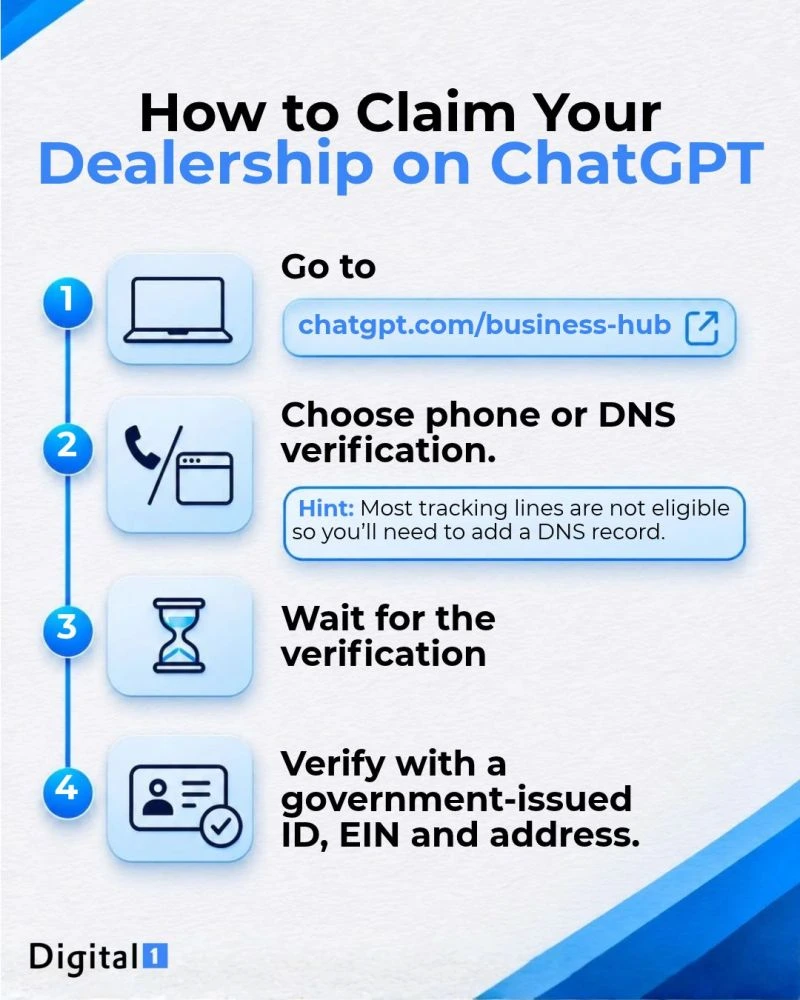
How to Claim Your Dealership in 4 Steps
- Go to chatgpt.com/business-hub. Sign in to ChatGPT, search for your dealership by name, and pick the listing that matches your store.
- Choose phone or DNS verification. With phone verification, ChatGPT texts or calls your business number with a code. With DNS verification, you add a small record to your website’s domain settings.
- Wait for the verification. OpenAI reviews your claim and emails you once it’s approved.
- Verify with a government-issued ID, EIN, and address. This final identity check unlocks everything. Until it’s done, you can’t update your profile or see your stats.
A Few Tips Before You Start
Your call tracking number probably won’t work. Most dealers use tracking lines on their website and listings, and those usually aren’t eligible for phone verification. Plan on using DNS instead.
Get your DNS person ready. The record ChatGPT gives you expires after 24 hours, so loop in whoever manages your domain (usually your website provider or IT) before you start.
Double-check the host field. ChatGPT may show the full host name with your domain on the end. Most domain providers add your domain automatically, so pasting the whole thing can break it. If verification fails, this is usually why.
Each rooftop gets its own claim. If you run a dealer group, repeat these steps for every store.
Have the owner or GM claim it. Whoever claims the listing becomes the admin and can add your marketing team or agency later. Don’t hand the claim itself off to a vendor.
Need a Hand?
Claiming your profile is a great first step. What ChatGPT says about your inventory, service, and reputation still comes from your website, so it pays to make sure your site is fast and easy for AI to read. Here’s how we built a 99 PageSpeed dealer website that does exactly that.
Stuck on DNS or have questions? Reach out and we’ll help you get it done.
Digital 1 has worked with over 200 dealerships since 2019, with same-day support and market exclusivity. See why dealers choose Digital 1, or schedule a call to talk about your AI visibility.